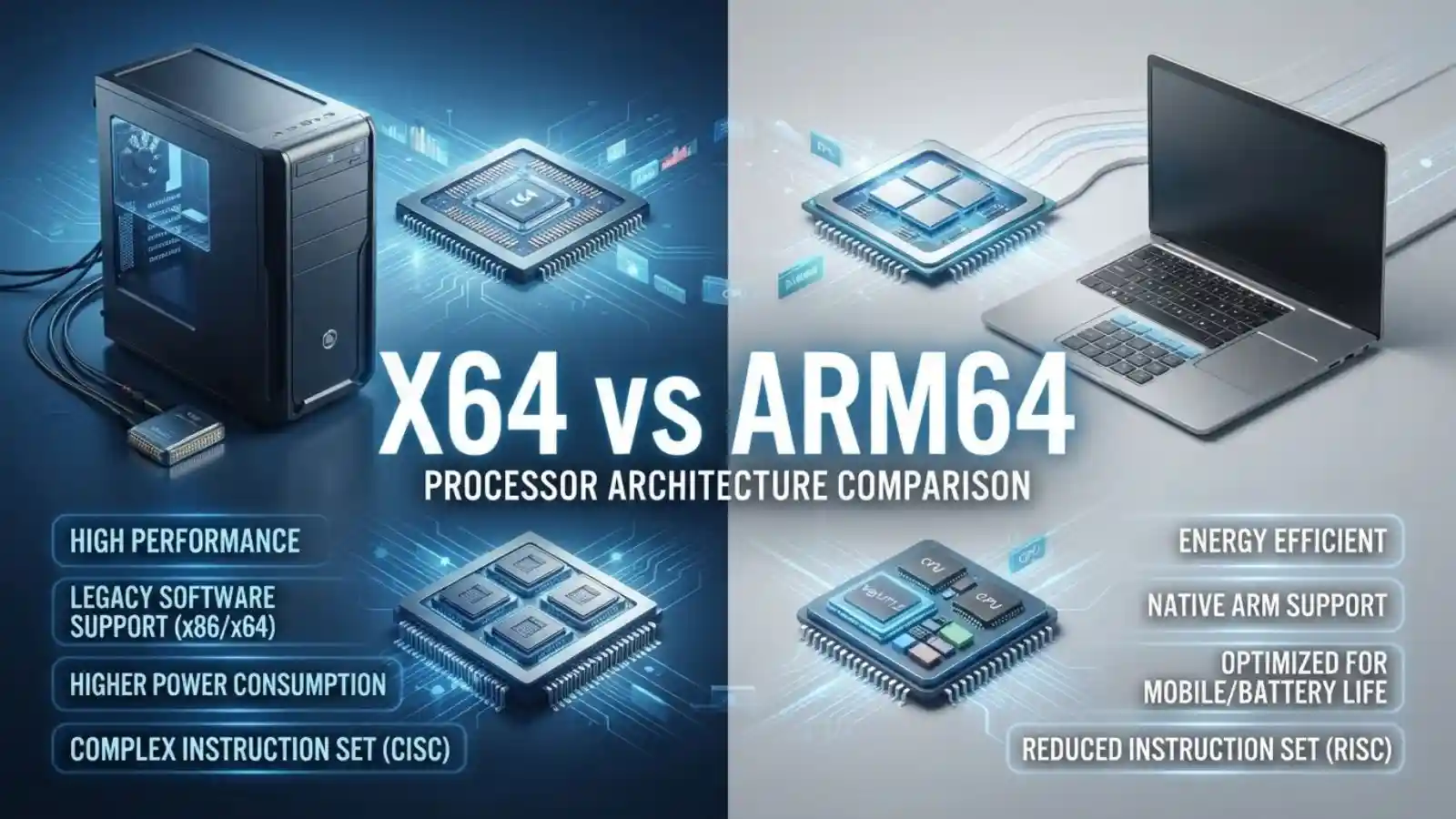
x64 and ARM64 are two different 64-bit CPU architectures. x64, also called x86-64 or AMD64, is used by most traditional Intel and AMD PCs.
While ARM64, also called AArch64, is used by ARM-based processors such as Apple Silicon and many Snapdragon chips. The right architecture depends on your device and the software you need to run.
Key Takeaways:
- x64 is the 64-bit architecture used by modern Intel and AMD-compatible PCs.
- ARM64 is the 64-bit ARM architecture used in many newer laptops, phones, tablets, and servers.
- Windows 11 on ARM can run many x64 applications through emulation.
- Native ARM64 applications can provide better performance, responsiveness, and power efficiency on ARM devices.
- When downloading software, choose the version that matches your device’s architecture whenever possible.
What Is x64?
x64 is a 64-bit CPU architecture based on the x86 instruction-set family. It is also commonly called x86-64, AMD64, or Intel 64.
Despite the name AMD64, x64 is not limited to AMD processors. Microsoft describes x64 as including both AMD64 and Intel 64, whose instruction sets are nearly identical.
This architecture has been widely used in desktop computers, laptops, workstations, and servers. If you have a conventional Windows PC powered by an Intel Core processor or an AMD Ryzen processor, it is very likely using x64.
For example, a Windows computer might show:
64-bit operating system, x64-based processor
That means the processor uses the x64 architecture.
x64, AMD64, and x86-64
These names can make software downloads confusing, but they generally refer to the same 64-bit processor family.
You may see:
- x64
- x86-64
- AMD64
- Intel 64
A software developer may use any of these terms depending on the operating system or development environment.
What Is ARM64?
ARM64 is the 64-bit version of the ARM architecture. It is also known as AArch64.
Microsoft defines ARM64 as the 64-bit ARM architecture, while AArch64 is the corresponding 64-bit instruction set architecture.
ARM-based processors are common in smartphones and tablets, but ARM64 has become increasingly important in laptops, desktops, servers, and cloud computing.
For example, Apple’s modern Apple Silicon Macs use ARM-based processors. Windows PCs with Snapdragon processors are another important ARM64 category.
ARM processors are often designed around efficient power usage, which makes the architecture particularly useful for portable devices. Microsoft notes that native Arm applications can take advantage of performance, responsiveness, and battery-life characteristics of ARM-powered Windows devices.
x64 vs ARM64: Key Differences
The biggest difference between x64 and ARM64 is the instruction set architecture used by the processor.
| Feature | x64 | ARM64 |
| Architecture | x86-64 | AArch64 |
| Also called | AMD64, x86-64 | AArch64 |
| Common processors | Intel, AMD | Apple Silicon, Snapdragon and other ARM chips |
| 64-bit | Yes | Yes |
| Traditional Windows PCs | Very common | Increasingly common |
| Native Windows ARM apps | No | Yes |
| x64 apps on ARM Windows | Native | Usually emulated |
| Power efficiency | Depends on processor | Often a major design focus |
| Software compatibility | Very broad | Improving rapidly |
| Common download label | x64 / amd64 | ARM64 / arm64 |
Architecture and Instruction Sets
A CPU architecture defines how software instructions are represented and executed by a processor.
x64 and ARM64 use different instruction sets. As a result, a program compiled specifically for x64 cannot simply be treated as an ARM64 program.
Software must either be compiled for the target architecture or translated through an emulation or compatibility layer.
This distinction becomes important when downloading applications, installing operating systems, compiling software, or creating virtual machines.
Performance and Power Efficiency
It is misleading to say that x64 is always faster or ARM64 is always faster.
Actual performance depends on the processor design, application, compiler, operating system, cooling, memory, and workload.
However, native software generally has an advantage because it does not need instruction translation. Microsoft specifically recommends ARM-native applications on Windows ARM devices for the best performance, responsiveness, and battery life.
Therefore, comparing architectures alone does not tell you which individual CPU will be faster.
Software Compatibility
This is one of the most important practical differences.
Traditional x64 Windows PCs have access to a huge ecosystem of x64 software. ARM64 Windows devices can run native ARM64 software and, on current Windows versions, many existing x86 and x64 applications through emulation.
That means an ARM64 laptop does not necessarily require every application to have an ARM64 version.
However, compatibility is not identical to native support.
x64 vs ARM64 Comparison Table
| Area | x64 | ARM64 |
| CPU family | x86-64 | ARM64/AArch64 |
| Typical PC | Intel/AMD system | Snapdragon or Apple Silicon system |
| Native execution | x64 software runs natively | ARM64 software runs natively |
| Legacy software | Strong compatibility | Many x64 apps supported through emulation on Windows |
| Drivers | x64 drivers required | ARM64 drivers required |
| Battery considerations | Varies by processor | Often designed with efficiency in mind |
| Software download | Choose x64 | Choose ARM64 |
| Docker platform | amd64 | arm64 |
| Android ABI | x86_64 | arm64-v8a |
How to Check If Your Windows PC Is x64 or ARM64
If you are choosing between two software downloads, you can check your Windows architecture directly.
On Windows 11:
- Open Settings.
- Select System.
- Select About.
- Look under Device specifications.
- Find System type.
Microsoft identifies the architecture in this section.
If you see something similar to:
64-bit operating system, x64-based processor
you should normally download the x64 version of compatible software.
If you see:
64-bit operating system, ARM-based processor
you have an ARM64-based Windows computer and should choose the ARM64 version when the developer provides one.
This is especially important for applications, utilities, drivers, and other software that provides architecture-specific installers.
Can ARM64 Run x64 Software?
Yes, Windows on ARM can run many x64 applications through emulation.
Windows 11 extended compatibility so that unmodified x64 Windows applications can run on ARM-powered devices. Microsoft’s current Windows on Arm documentation explains that x64 applications run under emulation, while ARM64 applications execute natively.
Modern Windows on Arm uses translation technology to convert blocks of x86 instructions into ARM64 instructions. Translated code can also be cached to reduce repeated translation overhead.
However, drivers are different.
Emulation supports user-mode application code, but kernel-mode drivers must be compiled for ARM64. This is why a normal application may work on an ARM64 Windows PC while a hardware utility, driver, or specialized peripheral software may have compatibility problems.
For the best experience, use a native ARM64 build whenever one is available.
x64 vs ARM64 on Windows, macOS, Android, and Linux
The terms can appear in different ways depending on the operating system.
Windows
Windows commonly uses x64 and ARM64 to identify 64-bit PC architectures.
On ARM-based Windows devices, native ARM64 applications run directly on the processor, while many x64 applications can run through emulation.
Apple Silicon Macs
Apple Silicon Macs use ARM64 architecture.
Older Intel Mac applications use the x86_64 architecture. macOS has used Rosetta translation to allow Intel applications to run on Apple Silicon, while universal binaries can contain both ARM64 and x86_64 versions.
Apple recommends native Apple Silicon code for optimal performance, while universal applications can run natively on both processor families.
Android
Android uses architecture labels such as arm64-v8a and x86_64.
According to Android’s NDK documentation, arm64-v8a corresponds to 64-bit ARM, while x86_64 corresponds to 64-bit x86.
This is why Android developers sometimes need to provide separate native libraries for different CPU architectures.
Linux and Containers
Linux and container ecosystems commonly use amd64 and arm64 labels.
Docker, for example, supports multi-platform images such as linux/amd64 and linux/arm64. When a multi-platform image is available, Docker can select the appropriate architecture variant for the host system.
So, in Docker terminology:
amd64 ≈ x64
and
arm64 ≈ ARM64
Which Architecture Should You Choose?
The answer depends on the hardware you already have and the software you need.
If you are downloading software for a conventional Intel or AMD PC, the x64 package is generally the appropriate choice.
Whether you are using an ARM-based Windows PC, choose ARM64 when the application provides a native ARM64 version.
If only an x64 version exists, Windows on ARM may still be able to run it through emulation. However, native ARM64 software can avoid that translation layer and may provide better performance and power efficiency.
For developers, the decision is broader. A project intended for both architectures may need separate builds or a multi-architecture distribution strategy. Docker, for example, supports publishing multiple platform variants within a single multi-platform image.
Common Mistakes When Choosing x64 or ARM64
One common mistake is assuming ARM64 means 32-bit. It does not. ARM64 is a 64-bit architecture.
Another mistake is assuming x64 means an AMD processor. The x64 architecture is used by both AMD and Intel processors.
It is also easy to confuse the processor architecture with the operating system version. A 64-bit operating system alone does not tell you whether the processor is x64 or ARM64.
Finally, do not assume that an x64 application and an x64 driver have the same compatibility behavior on an ARM64 system. Windows can emulate many user-mode applications, but kernel-mode drivers need native ARM64 support.
Frequently Asked Questions
Is x64 the same as AMD64?
For most software-download and operating-system purposes, yes. AMD64 is the name associated with AMD’s 64-bit extension of the x86 architecture, while x64 and x86-64 are commonly used broader terms. Microsoft describes x64 as including both AMD64 and Intel 64.
Is ARM64 better than x64?
Neither architecture is universally better. The practical choice depends on the processor, operating system, software compatibility, and workload. ARM64 can offer strong efficiency and native performance on ARM hardware, while x64 has a mature and very broad software ecosystem.
Can ARM64 run x64 apps?
Yes. Windows 11 on ARM supports running many unmodified x64 applications through emulation. Native ARM64 applications do not require that emulation layer. Drivers are a major exception because kernel-mode components must be compiled for ARM64.
How do I know which version to download?
On Windows, go to Settings → System → About and check System type under Device specifications. An x64-based processor generally calls for an x64 download, while an ARM-based processor calls for an ARM64 version when available.
Conclusion:
The simplest way to understand X64 vs ARM64 is to think of them as two different 64-bit CPU architectures.
x64 is the long-established architecture behind most Intel and AMD PCs, while ARM64 is the 64-bit ARM architecture used by modern ARM-based devices, including Apple Silicon Macs and many newer Windows PCs.
For everyday users, the most important question is not which architecture sounds better. It is which architecture your device uses and whether the software you need supports it.
If you are choosing a download, check your system architecture first. On Windows, the System type field in Settings → System → About provides the information you need.
On ARM64 devices, use native ARM64 software whenever available for the best compatibility and native performance.

I’m Maya Angelou, the creator behind EmojiAura.com, where I explore emoji meanings, social media trends, and fun digital expressions. I’m passionate about helping people understand the real meaning behind emojis and use them creatively in chats, captions, posts, and everyday online conversations.